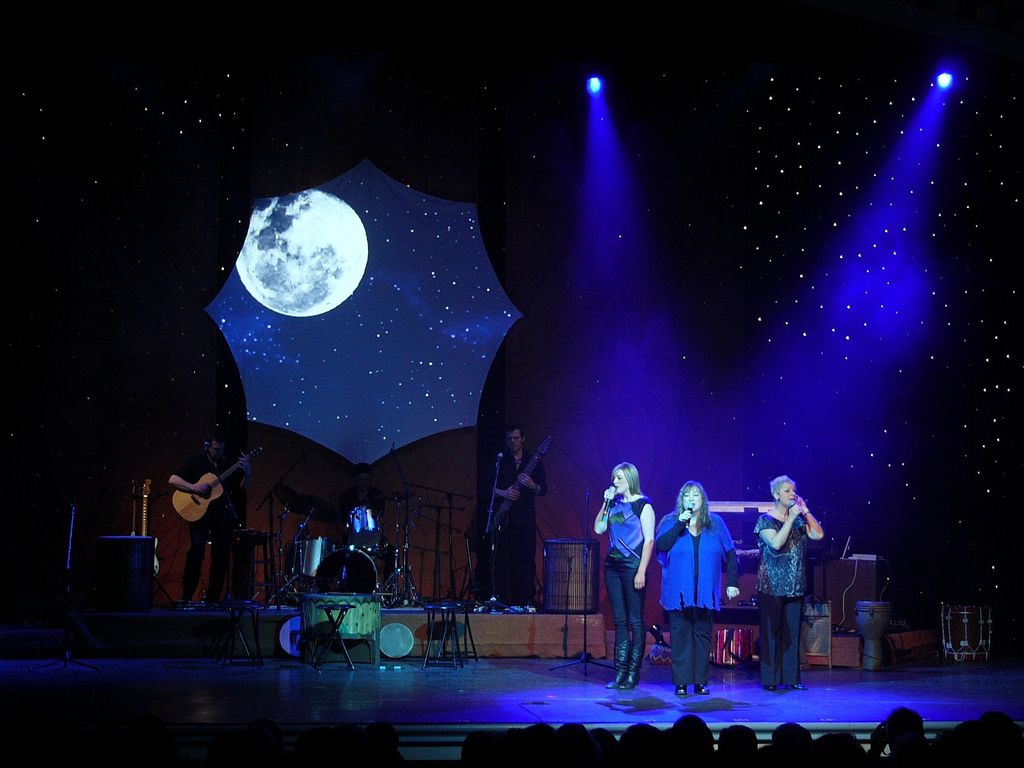
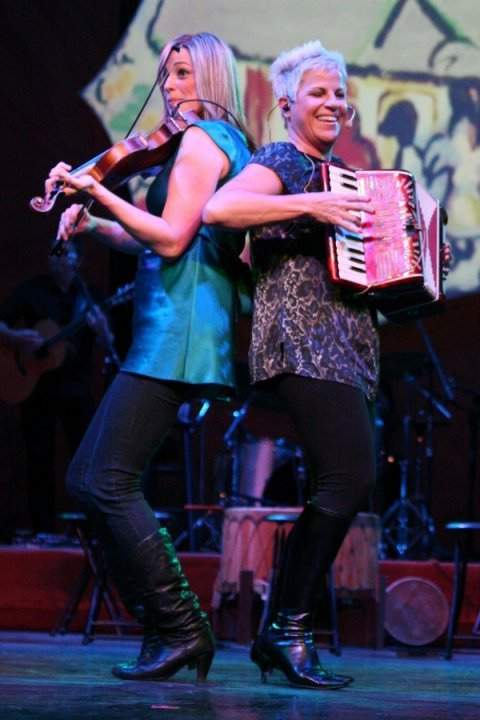
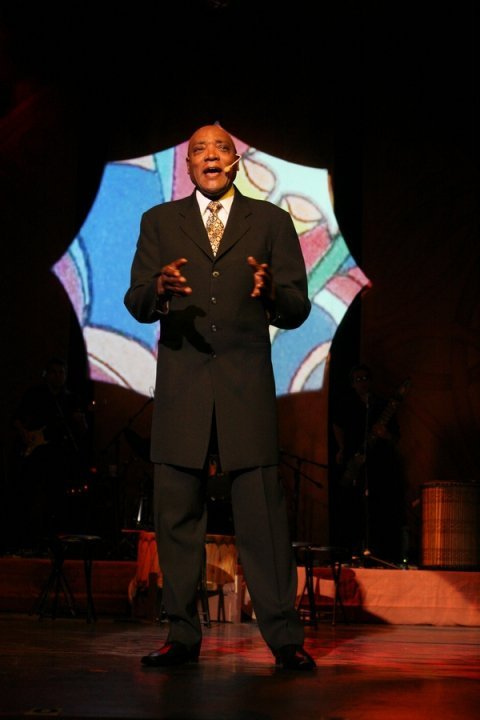
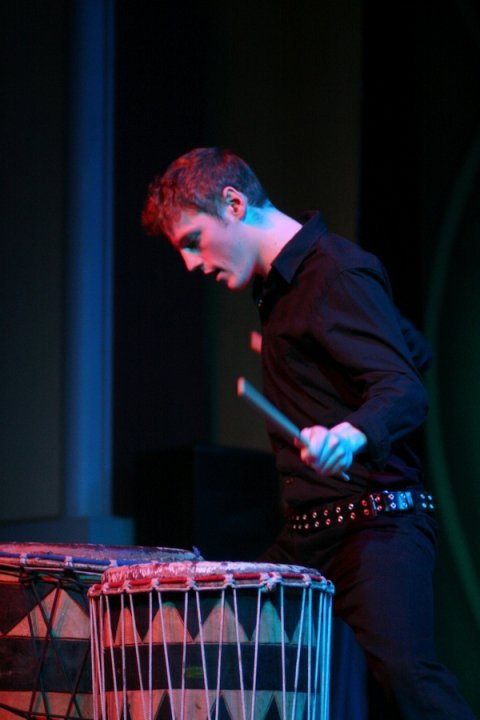
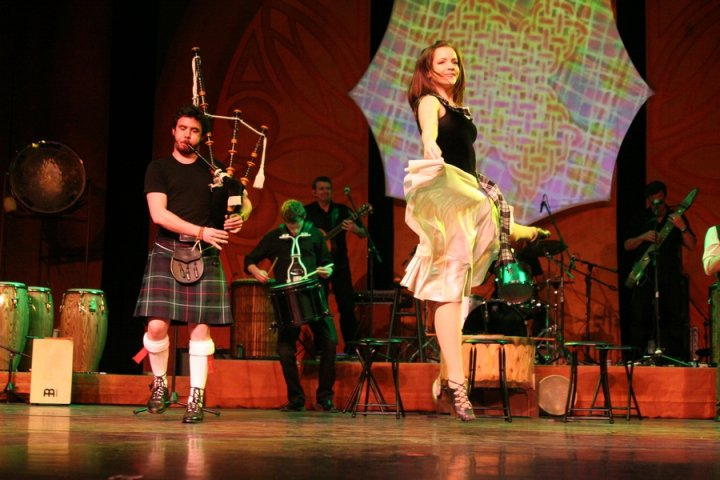
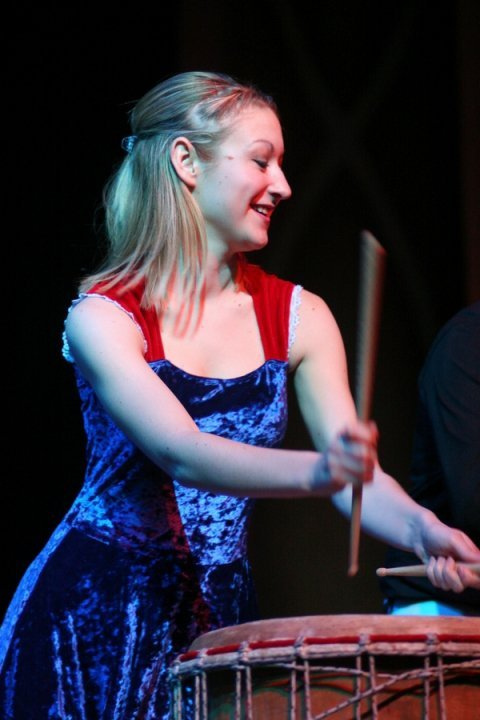
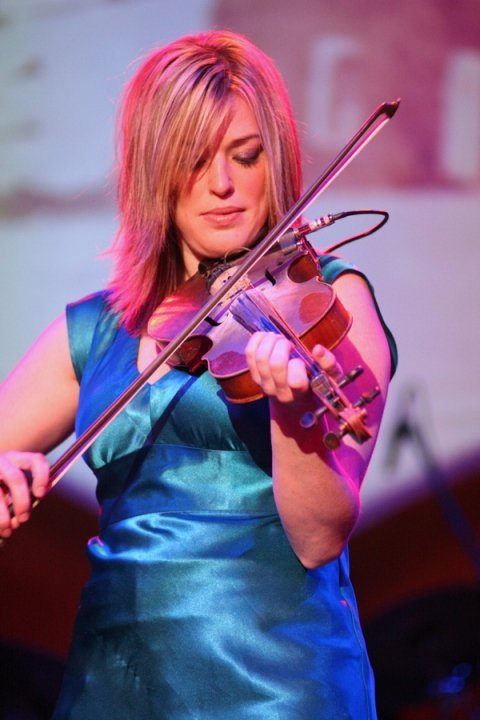
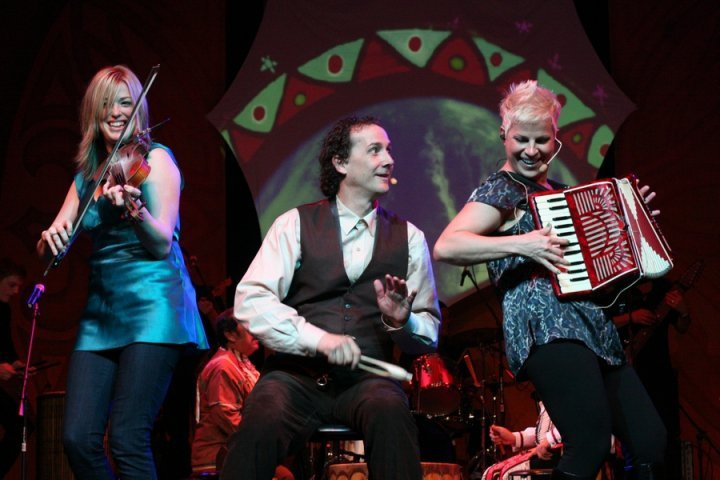
DOLLYWOOD 2010


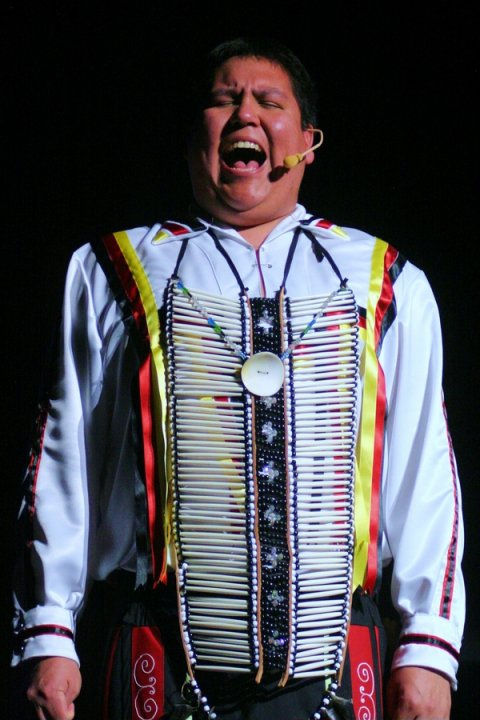
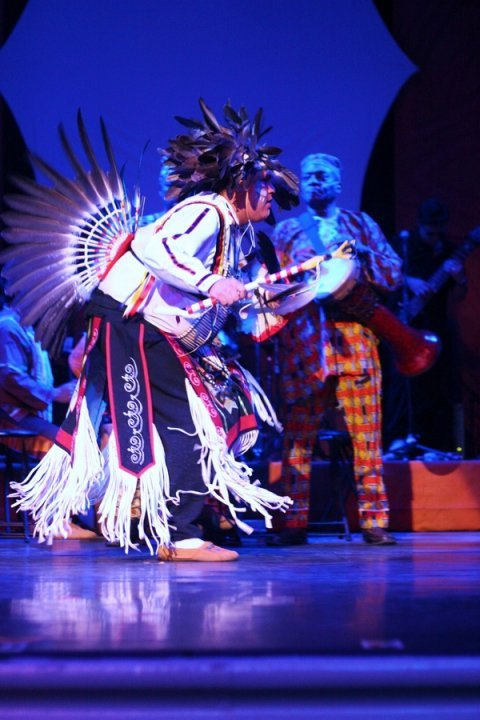
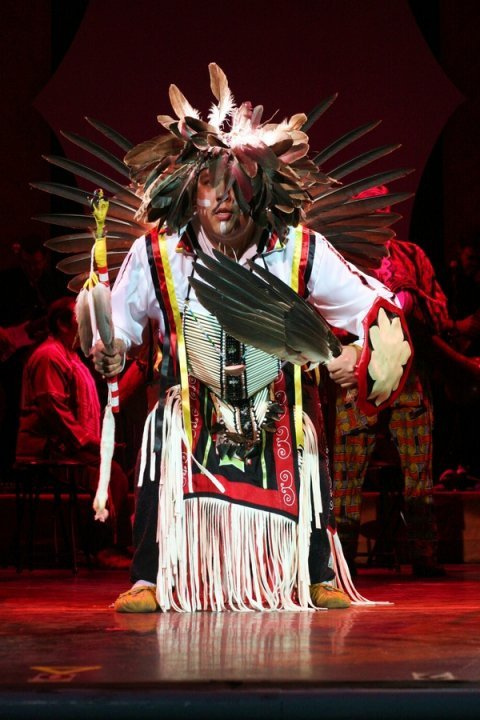
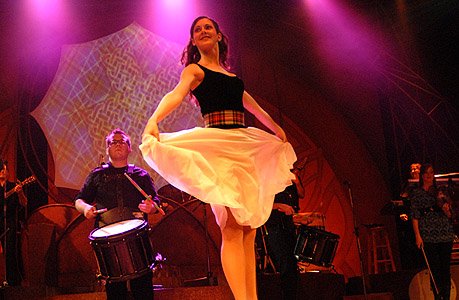
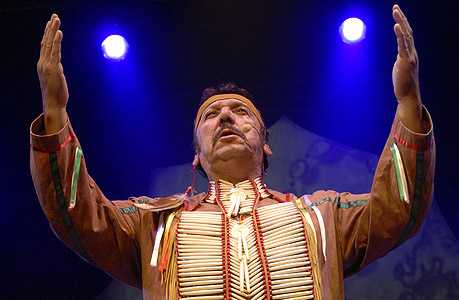
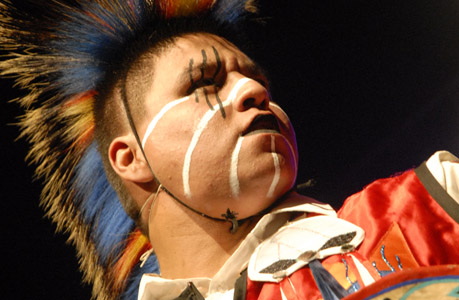
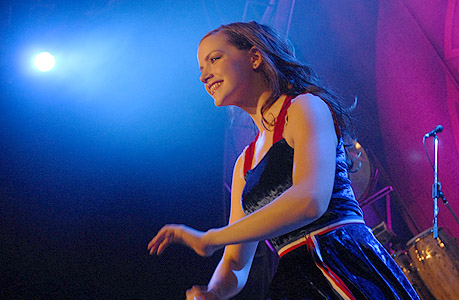
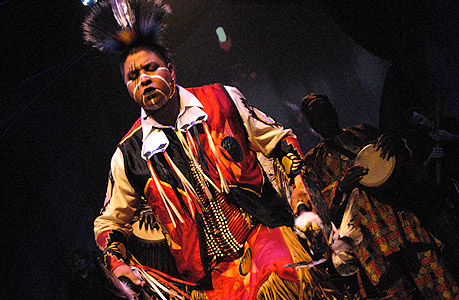
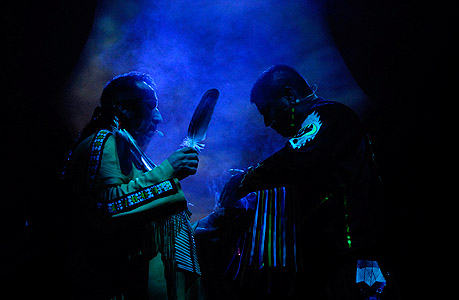
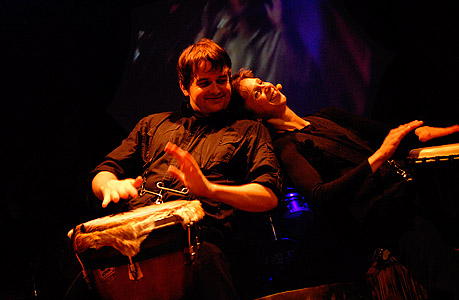
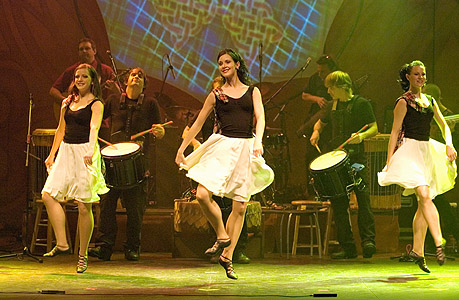
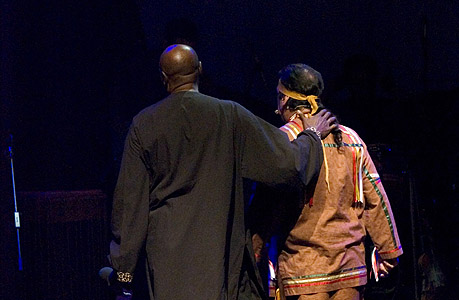
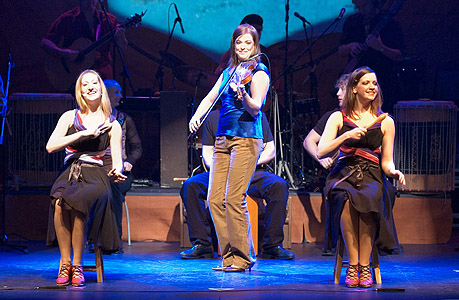
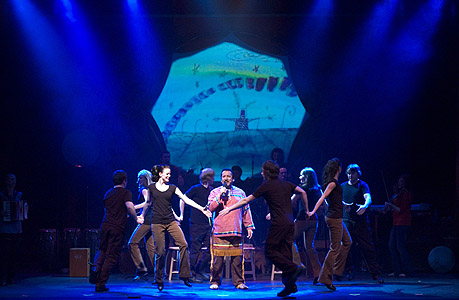
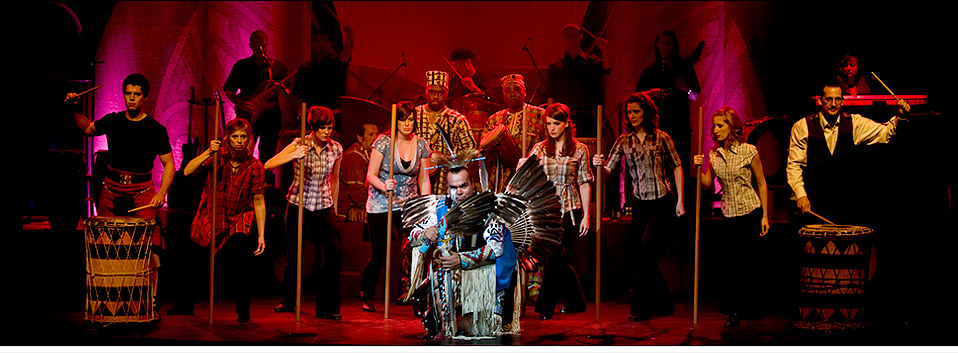
LIVE PHOTOS


|
PRINT
QUALITY
PHOTOSMembers of the press, and promoters,
are welcome to visit our PRESS KIT page.
|
|
|
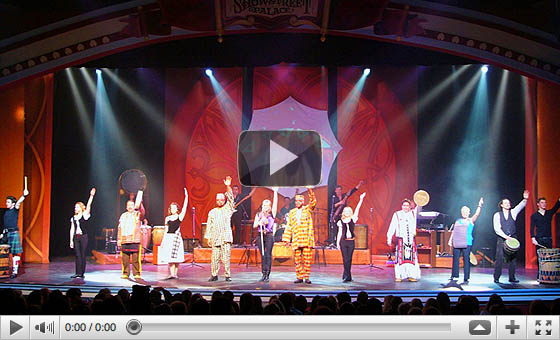
WALLPAPERS
DOWNLOAD AND INSTALL THESE FREE MONITOR BACKGROUNDS |

800 x 600
1024 x 768
1080 x 800
1080 x 1024


800 x 600
1024 x 768
1080 x 800
1080 x 1024
|
INSTALLATION INSTRUCTIONS
MAC
Choose the monitor resolution that matches your Mac. When the wallpaper has completed loading in the new window, right click (if you have right click setup on your mouse) and select "Use Image as Desktop Picture".
PC
Choose the monitor resolution that matches your computer. Wait for the wallpaper to fully load, then RIGHT CLICK over the image and select "Set as Wallpaper".
|
|